SCP Ragdoll Platforms and VR
Tune each device so SCP Ragdoll grabs, throws, and cameras feel intentional.
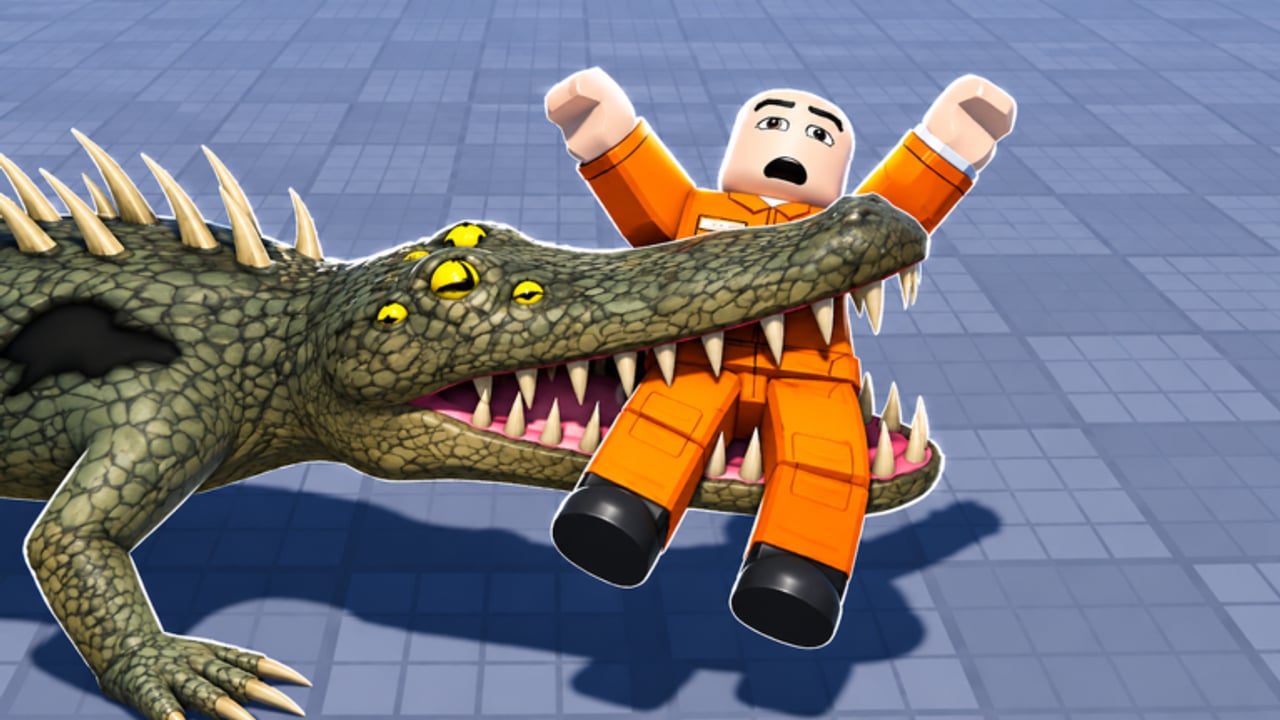
The official SCP Ragdoll listing calls out Desktop, Console, Mobile, Tablet, and VR. The verbs stay the same — move, grab, throw, tase — but the feel changes. This page is the device companion to Controls and the Players Hub. Use it to pick a primary practice device, then keep a secondary option ready for comfort or travel.
Because instances are solo-focused, you can tune settings without worrying about teammates. That freedom is wasted if you copy a friend’s sensitivity without testing five ledge throws of your own.
Desktop
Best precision platform for creators and for anyone learning the physics for the first time.
- Lower mouse sens for ledge work so micro-adjustments do not fling the camera
- Use keyboard strafing to line up perpendicular releases
- Quick tool swaps help A/B tests from Weapons and tools
- Record at stable frame rates so crawls stay readable in edits
- Bind or remember a reliable reset path so trials restart fast
Desktop also makes note-taking easy: keep the Tools checklist on a second monitor and log results between reps.
Console
Comfort king when sensitivity is honest and the stick deadzone is not fighting you.
- Reduce look sens until a standing dummy is easy to track
- Prefer planted swings over sprinting swipes
- Recenter camera after cartwheels before the next grab
- Use larger open maps while learning — see Maps tier list
- Sit far enough from the screen that depth cues remain clear during falls
If throws feel “floaty,” lower look speed before blaming the tool. Many console players jump tiers simply by calming the camera.
Mobile and tablet
Touch targets shrink your margin for error, so lean into forgiving setups early.
- Landscape mode always
- Enlarge joysticks if the client allows
- Commit to grabs only when the dummy is large on screen
- Favor forgiving impact tools early, then graduate to precise hands-only ledges
- Take wrist breaks between zombie rounds (Zombies and tasers)
- Avoid filming vertical shafts until you can reproduce three clean ground throws
Tablet players often get a better framing advantage than phones because the dummy fills more of the display. Use that size for timing practice, then switch to phone only for quick five-minute checks.
VR
VR makes impacts visceral. Protect comfort so you still want to practice tomorrow:
- Enable vignette / comfort locomotion options first
- Start with waist-height underhand tosses before overhead heaves
- Keep sessions to 10–15 minutes while learning
- Limit multi-zombie piles that spin the view
- Clear your physical play space before big throws
- Stop immediately if nausea rises — switch to flat desktop for the same drill
If discomfort hits, you will learn more rested tomorrow than you will by pushing through a spinning plaza chase.
Shared habits across devices
- One question per throw
- Five-rep tests before judging a tool
- Re-scout maps after UPD patches (Updates)
- Keep Getting Started nearby for checklist resets
- Match the map to the device — tight dark rooms punish mobile and VR more than desktop
Accessibility notes
- Lower camera shake if available in Roblox settings
- Moderate audio volume; ragdoll impacts spike
- Use larger UI scale on tablet when reading menus for Codes
- Prefer high-contrast lighting maps when visual tracking is hard
- Cap session length before fatigue ruins form
Device-to-goal matrix
| Goal | Preferred device |
|---|---|
| Precise montage | Desktop |
| Couch long session | Console |
| Quick five-minute test | Mobile |
| Immersive novelty | VR (short blocks) |
| Fair A/B tool science | Desktop or console with notes open |
Troubleshooting by platform
| Symptom | Likely cause | Fix |
|---|---|---|
| Missed grabs | Sens too high / dummy too small | Lower sens, move closer |
| Dizzy after throws | Comfort off / long VR block | Enable vignette, shorten session |
| Inconsistent breaks | Changing maps mid-test | Lock one ledge for five reps |
| Clips look muddy | Unstable FPS or dark map | Desktop record, brighter stage |
Related reading
- Controls
- Players Hub
- Tools
- UPD2 notes
- Tier List Hub when device feel changes how you rank gadgets
Your best platform is the one you will actually practice on with good posture and clear intent. Master one setup deeply before collecting every possible controller configuration.
Frequently Asked Questions
Quick answers about SCP Ragdoll codes, physics, maps, and tools.
Does SCP Ragdoll really support VR?
Yes — the official description lists VR alongside desktop, console, mobile, and tablet.
Which device is best for beginners?
Desktop if you have it; otherwise console with lowered sensitivity. Start with Getting Started.
Why do mobile throws feel worse?
Small touch targets and high sens. Use landscape, larger joysticks, and closer grabs — see Controls.
Any VR safety tips?
Short sessions, comfort settings on, clear play space, fewer spinning zombie piles.